


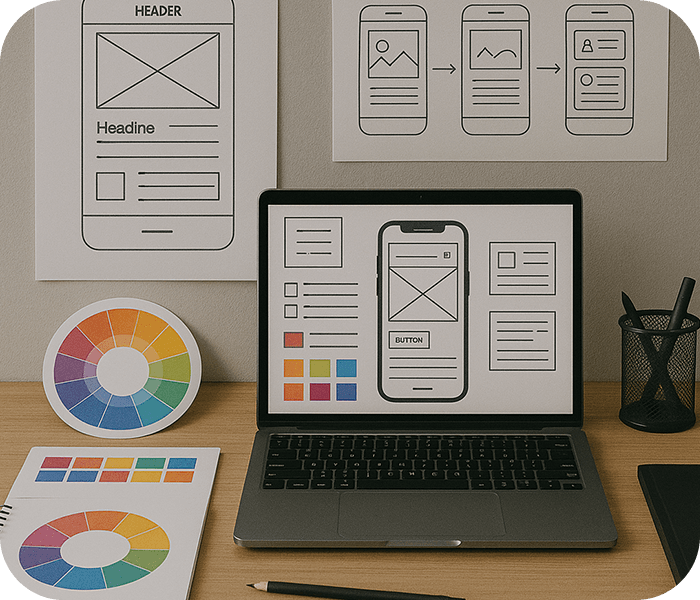

Real-World Projects & Industry Work
- 10-Month Power Skill Training
- 4-Month Industry Experience (Internship & Live Projects)
- Hands-on UI/UX Design Projects
- Certification & Portfolio Development

10 Months
Power Skill Training


4 Months
Project Training
About UI/UX & Graphic Design Course
Students will work on real-world industry projects, using cutting-edge software like Figma, Adobe Photoshop, Illustrator, After Effects, CorelDraw and InDesign and learn how to create user-friendly, visually appealing digital products.
Eligibility
- PG, UG, Diploma/12th pass (Minimum 50%)
- Basic computer knowledge required
- No prior design experience needed
Why Choose This UI/UX & Graphic Design Course

Industry-Oriented Live Projects
Gain hands-on experience by working on real client projects, from mobile apps to motion graphics and branding designs.

Expert Mentors with Years Experience
Learn from experienced UI/UX and graphic design professionals who have worked with global brands and leading creative agencies.

Practical-based Teaching Approach
Master top design tools like Figma, Photoshop, Illustrator, and After Effects through structured, real-world project-based learning sessions.

Recognized Certification & Portfolio
Graduate with a recognized certification and a professional portfolio showcasing UI/UX, branding, and motion graphics expertise.
Course Curriculum
- UI/UX Design
- Graphic Design
- Introduction to UI/UX and Its Importance
- Understanding the Design Thinking Process
- Identifying Problems and User Needs
- Conducting User Research: Quantitative Qualitative Analysis
- Competitive Analysis and Market Research
- Introduction to Figma & FigJam
- Designing for Mobile & Web Platforms
- High-Fidelity UI Design and Interactive Prototyping
- Micro-Animations and UI Transitions
- Color Theory and UI Guidelines, Typography, Layout, and Spacing, Product Branding & Design Systems
- Visual Hierarchy and Iconography
- App Design & Website Design Case Study
- App Redesign Case Study
- Project Documentation & Final Presentation
- AI Tools for UX Research & Design
- Prompt Engineering for UI Prototypes
- AI-powered Usability Testing & Heatmap Analysis
- No-Code Design Tool
- Creating & Uploading a Professional UI/UX Portfolio
- Freelancing & Job Market Readiness
- Interview Preparation & Client Communication
- Creating Personas & Empathy Mapping
- User Journey Mapping & Flow Design
- Heuristic Evaluation & Usability Testing
- Accessibility & Inclusive Design Principles
- Introduction to Graphic Design and Its Applications
- Elements of Design: Line, Shape, Texture, Space
- Principles of Design: Balance, Contrast, Hierarchy
- Understanding and Applying Color Psychology
- The Role of Typography in Design: Choosing and Pairing Fonts
- Composition and Layout: Creating Visually Appealing Designs
- Grid Systems and Their Application in Layout Design
- Designing for Print vs. Digital: Key Considerations
- Branding & Identity: Logos, Brand Guidelines, and Visual Identity
- Creating Engaging Social Media and Digital Ads
- Developing Print & Publication Designs: Brochures,Magazines, and Flyers
- Packaging Design: From Concept to Final Production
- Strategy and Creativity in Advertising Design
- Designing Cohesive Marketing Campaigns
- Basics of Motion Graphics and Animated Design
- Introduction to Video Editing for Designers
- Creating Product Animations and Promotional Videos
- AI Tools for: Enhancing Creativity and Efficiency
- Prompt Engineering and AI-Assisted Image Generation
- Productivity Hacks: Tools and Techniques for Efficient Work
- Selecting and Presenting Your Best Work
- Creating a Digital and Physical Portfolio
- Effective Self-Branding and Marketing as a Designer
- No Code Design Tool, Freelancing
- Interview Preparation and Career Readiness
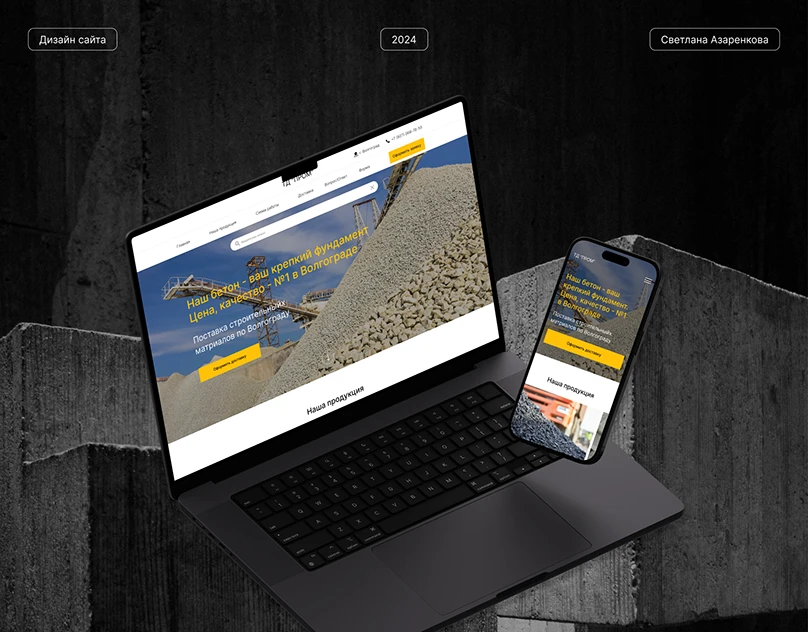
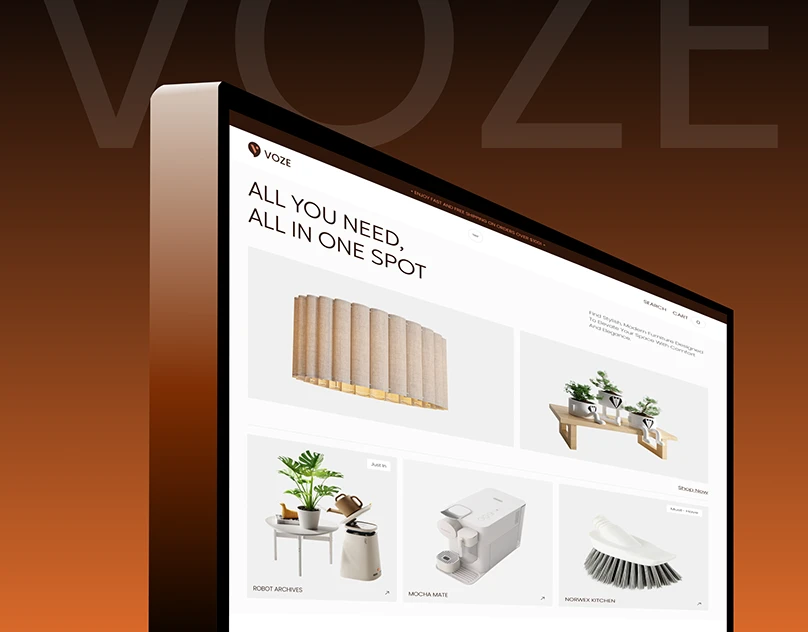
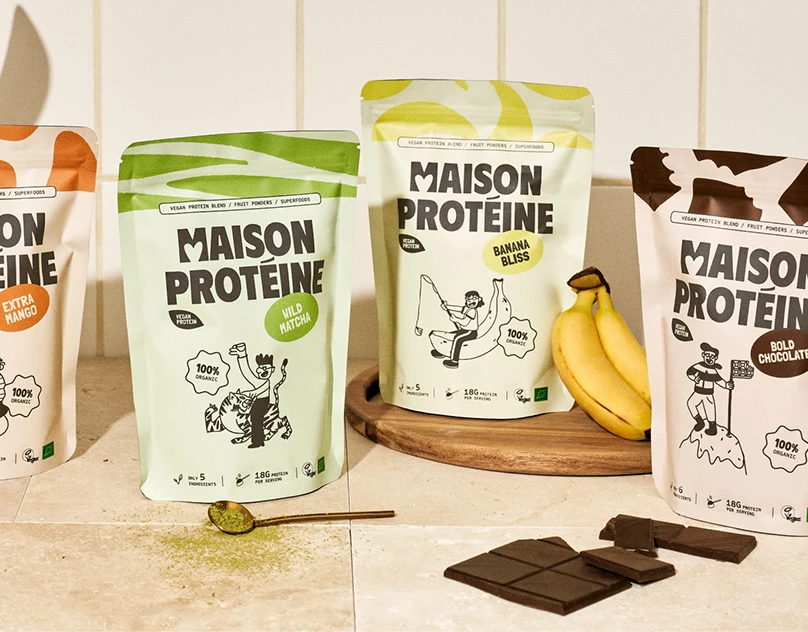
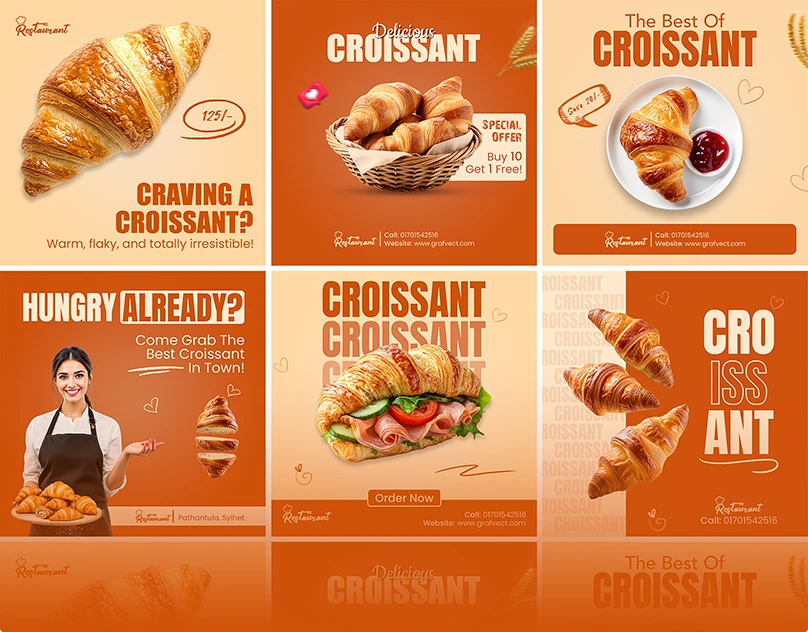
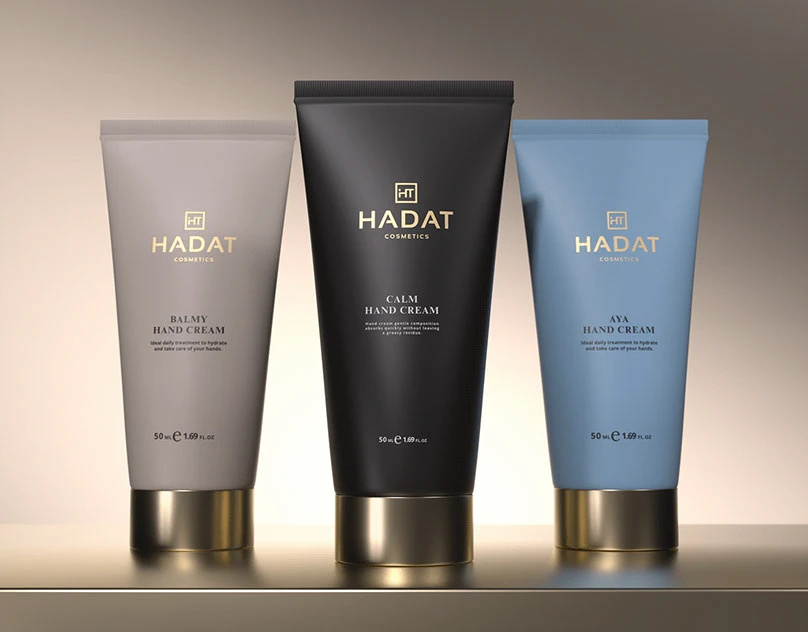
Build Industry-Based Projects
AI Tools to Learn

Chat gpt

Khroma

Microsoft Designer

Runway ML

Technical Tools & Software to Learn

Figma
Illustrator
Photoshop
InDesign

CorelDRAW
After Effect
Job Scope After Course Completion
- UI/UX Designer
- Visual Designer
- Graphic Designer
- Product Designer
- Branding & Marketing Designer
Who will you learn from
- Syllabus Mentor
- SMEs

Mr. Ankit Dubey


Ms. Anwesha Kar


Mr. Alok Kumar

Mr. Piyush Jinjala

Mr. Venu Madhav

Mr. Sneh Mehta

Mr. Jemish Lakhani

Mr. Akash Chaurasia

Mr. Shivam Padmani

Mr. Mohit Rajput

RWn. Mohit Savliya

RWn. Piyush Nakrani

RWn. Milan Kathiriya

RWn. Chakshu Adani
Hear from our Students
Jay Donda
UI/UX & Graphic Design
Nishita Manjaravala
Full Stack Development
Nayan Gayke
ITA-CS+
We are located
FAQ
The UI/UX & Graphic Design Course is suitable for 12th-pass students, diploma holders, graduates, aspiring UI/UX designers, graphic designers, web designers, freelancers, entrepreneurs, and anyone interested in designing websites, mobile applications, and digital products. No prior design experience is required; basic computer knowledge is enough to get started.
The course covers UI/UX fundamentals, design thinking, user research, wireframing, prototyping, user flows, information architecture, responsive design, design systems, Figma, FigJam, Adobe Photoshop, Adobe Illustrator, branding, typography, color theory, and live industry projects to build a professional portfolio.
UI/UX and Graphic Design are among the fastest-growing creative careers. Every company needs attractive visuals and user-friendly digital products. Learning these skills prepares you for careers in product design, branding, web design, mobile app design, digital marketing, freelancing, and remote work opportunities worldwide.
After completing the course, students can work as UI Designers, UX Designers, Product Designers, Graphic Designers, Visual Designers, Web Designers, Mobile App Designers, Brand Designers, UX Researchers, Interaction Designers, and Freelance Designers in startups, agencies, and product-based companies.
Yes. Students work on live projects including mobile app designs, website UI designs, dashboards, branding projects, social media campaigns, wireframes, prototypes, design systems, and complete case studies to build an industry-ready portfolio.
Students receive hands-on training in Figma, FigJam, Adobe Photoshop, Adobe Illustrator, ChatGPT, AI-powered design tools, prototyping software, collaboration tools, and modern UI/UX workflows used by professional designers in the industry.
Book your Free Consultation with our Trustworthy Counsellors
Latest Placements
Loading latest placements...

Centres In India
A5, Ground Floor, Saurashtra Soc., Div-2, Near BRTS Stop, Dharamnagar Road, Gaushala, A.K. Road, Surat-395008, Gujarat (INDIA) Ph : +9179847 11520
Red & White Skill Education, Opp. Shell Petrol Pump, Near Vanmali Junction, Puna Canal Road, Surat, Gujarat, India - 395010 Ph : +91 63510 87408
B305 – B311, 3rd floor, IT Park, Above Croma, VIP circle to Sudama Road, Mota Varachha – Uttran, Surat - 394101, Gujarat (INDIA). Ph : +91 92777 60777
2nd Floor Bhavya Complex, Laxminarayan Soc., Nr. Sunrise Dhosa, Dabholi Char Rasta, Ved Road, Katargam, Surat-395004, Gujarat (INDIA). Ph : +91 63554 43286
2nd Floor, Shop : M1, V3 Corner, Honey Park Rd, opp. 9 Square, Opposite Sai Square Complex, Adajan Gam, Adajan, Surat-395009, Gujarat. Ph : +91 9277 718777
3rd Floor, Hall 1, Roongta Signature, VIP Rd, opp. Shyam Baba Temple, Anand Park, Althan, Surat, Gujarat 395007 Ph : +91 94848 88444
4th Floor, Uma Plaza, Opp. Prayosha Star, Kharwasa Road Dindoli, Surat-394210. Ph : +91 94848 42426
Explore Related Courses
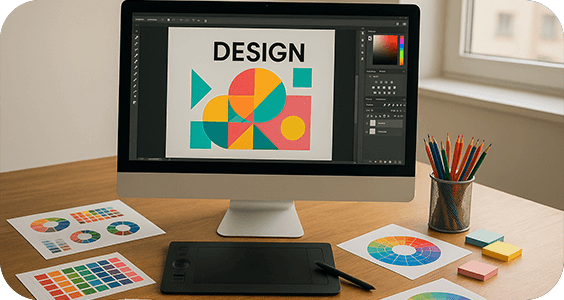
Graphic Design
Master AI-powered Graphic Design for branding, marketing, and motion graphics

UI/UX Design
Master the skill of programming browsers, servers and databases with our experts while working on live projects.
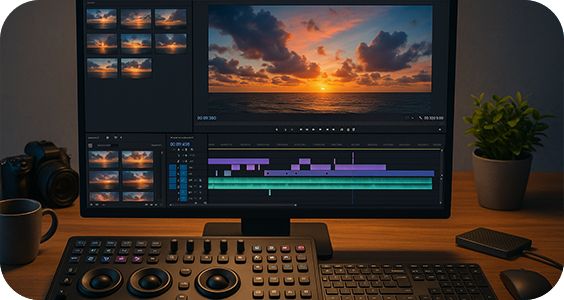
Video Editing
The Video Editing course is designed to provide students with professional-level skills in video post-production, motion graphics, colour correction, and sound design.Students will work with industry-standard software like Adobe Premiere Pro, After Effects, and Adobe Audition to create engaging visual content for films, social media, advertising, and YouTube.