


- WordPress Developer
- Frontend Developer
- Web Designer
- UI/UX Designer (WordPress Focused)
- E-Commerce Website Developer (WooCommerce)
- Theme & Plugin Developer
- Website Maintenance Specialist
- Freelance Web Developer
- Content Manager / CMS Specialist
- Digital Marketing Website Executive
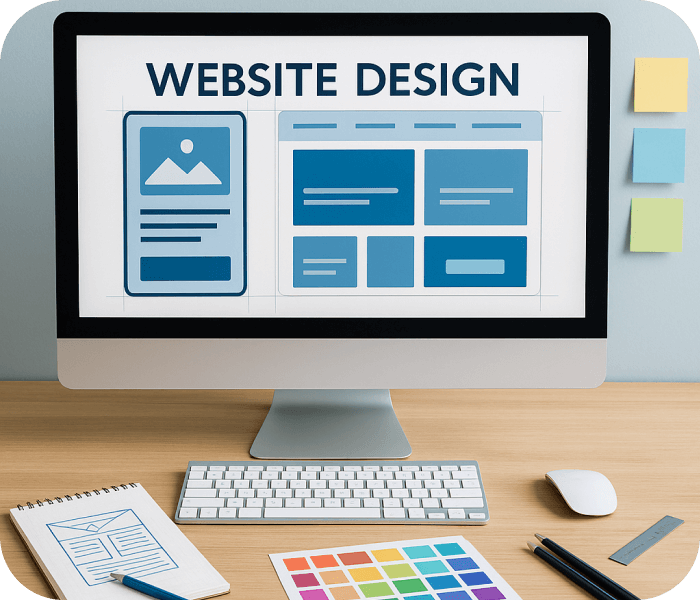

Real-World Projects & Industry Work
- Rich Learning Content
- Industry-Oriented Projects
- Taught by an Experienced professor.

1 Months
Power Skill Training
About Wordpress Course
WordPress is the most used and know content management system in the world, the best part of wordpress is it is free, which makes it available for everyone who wants to create content over internet, the user will need to secure the hosting and a domain name before using, due to versatility of the system it is highly flexible and customizable, the developer can use many plugins and extensions which makes it easy to use and understand and create the website accordingly, wordpress can adjust in any size as long as the web hosting has all the resources needed, anyone with even a little technical knowledge can create website over wordpress,they can use codes too but it is not necessary.
Eligibility
- 10th/12th Pass Students
- Graduation Pursuing Students
- Anyone Passionate About Visual Communication
Why Choose This Web Designing Course

Industry-Oriented Web Design Projects
Build real-world responsive websites and UI designs while mastering industry-standard tools, coding, and optimization techniques.

Expert Mentors with 10+ Years Experience
Learn website design, coding, and optimization directly from seasoned professionals with proven industry and teaching experience.

Practical-Based Creative Training Approach
Master HTML, CSS, JavaScript, and frameworks through project-focused learning for strong technical and creative web skills.

Recognized Certification & Creative Portfolio
Earn a valued certification and build an impressive portfolio to secure jobs or freelance opportunities in web design.
Course Curriculum for Wordpress
- Wordpress
Wordpress
- Installing And Configuring.
- Customize And Installing Themes & Plugin.
- HTML To WordPress Converting.
Technical Tools & Software to Learn

Wordpress
Job Scope After Course Completion
Who will you learn from
- Syllabus Mentor
- SMEs

Mr. Ankit Dubey


Ms. Anwesha Kar


Mr. Alok Kumar

Mr. Piyush Jinjala

Mr. Venu Madhav

Mr. Sneh Mehta

Mr. Jemish Lakhani

Mr. Akash Chaurasia

Mr. Shivam Padmani

Mr. Mohit Rajput

RWn. Mohit Savliya

RWn. Piyush Nakrani

RWn. Milan Kathiriya

RWn. Chakshu Adani
Hear from our Students
Jay Donda
UI/UX & Graphic Design
Nishita Manjaravala
Full Stack Development
Nayan Gayke
ITA-CS+
We are also available
FAQ
How does wordpress works? How it can helps your business?
An overview about the wordpress works is,(PHP Training in Ahmedabad) it begins with installing wordpress core files which will help the wordpress work, installing wordpress with database is important or if you are setting up the wordpress manually you’ll have to create a database, do not try and change the database even if the wordpress allows you to do so, it creates a real risk and can just break your website and it is very difficult to undo, along with theses you can download extra extensions and plugins to create your website more user friendly, you can use admin screen or dashboard to make changes in your website without editing or changing the codes, when you initially create your website try exploring the admin screen experimenting with the tools there can help you create a unique and user friendly website
Why to choose wordpress as a CMS for your site?
WordPress is a no cost content management system, the only cost it endures is the cost of registration, domain name, hosting, you can use paid plugins too, but to save cost there are ample of free plugins and extensions available, wordpress is wholly scalable and flexible, the wordpress don’t have drag and drop tools but it has many tools which are user friendly and can be used to make the website, as wordpress begin with blogging system the management system is excellent, due to this it helps customizing the website searchability, making is a good SEO practice, at Red and white institute with the help of experts and professionals we provide the best understanding of wordpress. You can also join our 3D Max Training in Ahmedabad.
Book your Free Consultation with our Trustworthy Counsellors
Latest Placements
Loading latest placements...

Explore Related Courses
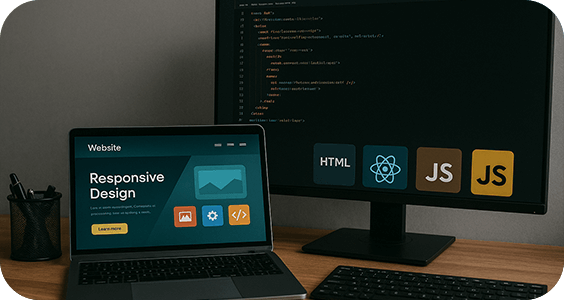
Front End Development
Learn Front-End Development & Back-End Development from the experts while doing industry-based projects.
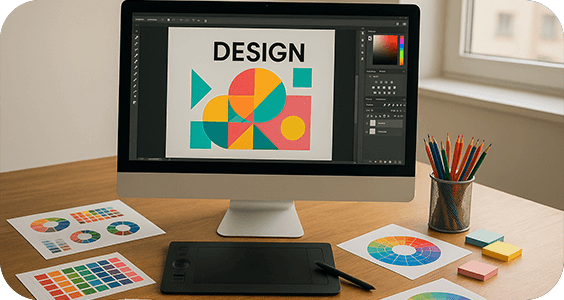
UI/UX Design Course
UX and UI design play a major role in the user experience when they interact with digital applications and products.
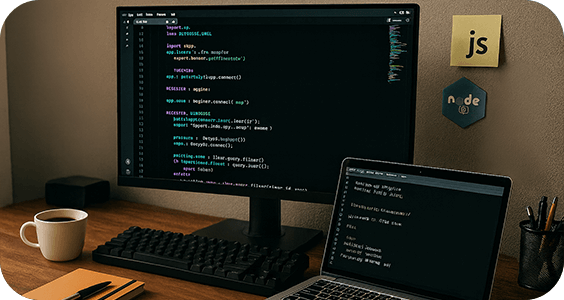
Web Back End Development Course
Creating and maintaining websites requires a wide range of expertise and disciplines, including web design. Standard code and proprietary software, search engine optimization, user experience design, graphic web design, and user interface design authoring are some more web design disciplines.